
LLANRHIDIAN PRIMARY SCHOOL
Inspiring our learners to be the best they can be!
IMovie
LO: Use software tools to enhance the outcomes for specific audiences.
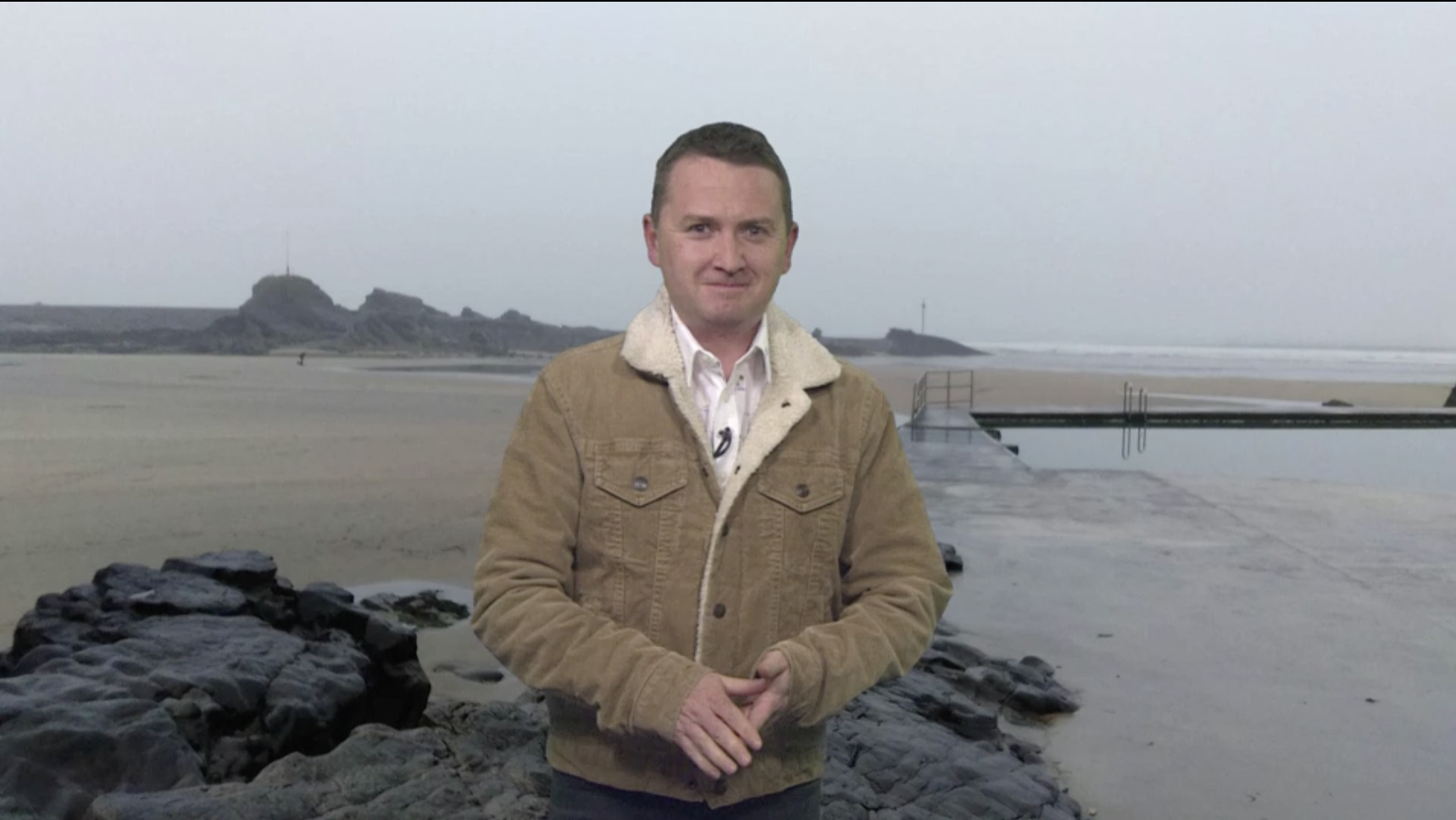
Why is this report effective?
What tools and effects have they used to entertain the audience?

Lets consider the steps we need to create a short film.
🎬 1. Open your project
- Open iMovie
- Tap Create Project → Movie
🖼️ 2. Add your background first
- Tap Photos or Videos
- Choose your background image or clip (e.g. jungle, space)
- Tap Create Movie
✅ This must go in first
🎥 Filming:
- Film one person in front of green screen:
- Leave space for background
- Point to something imaginary
- Speak (optional)
🎥 3. Add your green screen clip
- Tap the + (Add Media) button
- Choose your green screen video
- Tap the three dots (…)
- Select Green/Blue Screen
✂️ 4. Check and adjust
- Your background will appear behind you automatically ✅
- Tap the clip to:
- Trim (shorten it)
- Move it if needed
▶️ 5. Play your video
- Tap Play to check it works